 ScreenBadger
Every click is visible
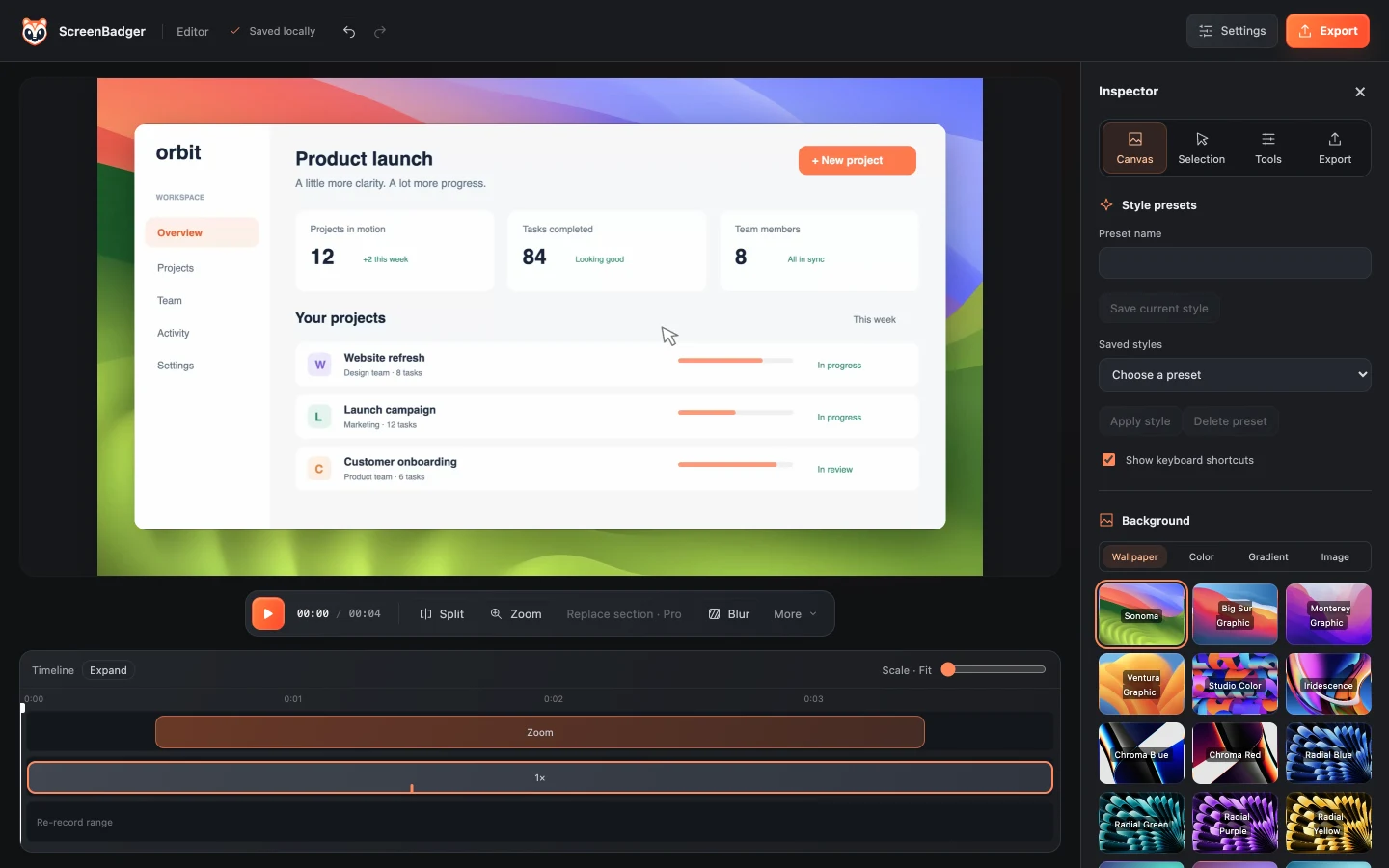
Click effects and automatic zooms make each step obvious, and keyboard shortcut overlays show the commands you used.
Bug reports
A short recording beats a paragraph of “steps to reproduce”. ScreenBadger records the tab, zooms in on each click, and helps you hide sensitive data before you attach it to a ticket.
Free forever · No credit card · Works in Chrome, Edge, Brave, Arc, and Opera
The problem
Written bug reports miss the click order, the exact field, or the error that flashed for a second. Screenshots don’t show the sequence, and raw recordings often include real customer data.
Why ScreenBadger
Click effects and automatic zooms make each step obvious, and keyboard shortcut overlays show the commands you used.
Password, email, token, and payment fields blur automatically, and you can add manual blurs before exporting.
Attach an MP4 or a GIF of up to 30 seconds, or share a Cloud link where developers can comment at the exact timestamp.
How it works
Start recording the tab and reproduce the bug from the beginning.
Cut the setup so the video starts right before the issue.
Review automatic masks and blur anything else that shouldn’t leave your team.
Export an MP4 or GIF for the ticket, or publish to Cloud and paste the link.
FAQ
Yes. GIF export is free and supports clips up to 30 seconds, which keeps attachments small.
No. ScreenBadger records the video, audio, and your interactions, not developer tools data. Pair the recording with logs from DevTools.
The default recording mode needs DevTools closed on the source tab. If you need DevTools open, choose the native-cursor tab capture source under Recording source, which records up to 1080p.
Password and other sensitive fields are blurred automatically in exports. Always watch the export before sharing, since iframes and fast-changing content may need a manual blur.
Related
Automatically mask sensitive fields, or draw a timed blur exactly where you need it.
Learn moreShare a finished video or screenshot with a link or password, and see who viewed it.
Learn moreCapture a visible area, region, or full page, then annotate it and copy, download, or share it.
Learn moreRecord longer tab videos for free, edit them locally, and share only when you choose.
Learn moreRecord, edit, and export in your browser. Free forever, no credit card required.