 ScreenBadger
 Cloud
Share the video or screenshot.
Hear back in context.
Cloud is an optional subscription for sharing. Publish a finished MP4 from the editor or a screenshot from the studio, send a link or embed it, and get views, watch time, and feedback in one place.
Free forever · No credit card · Works in Chrome, Edge, Brave, Arc, and Opera
Publish from the extension
One step from export to link.
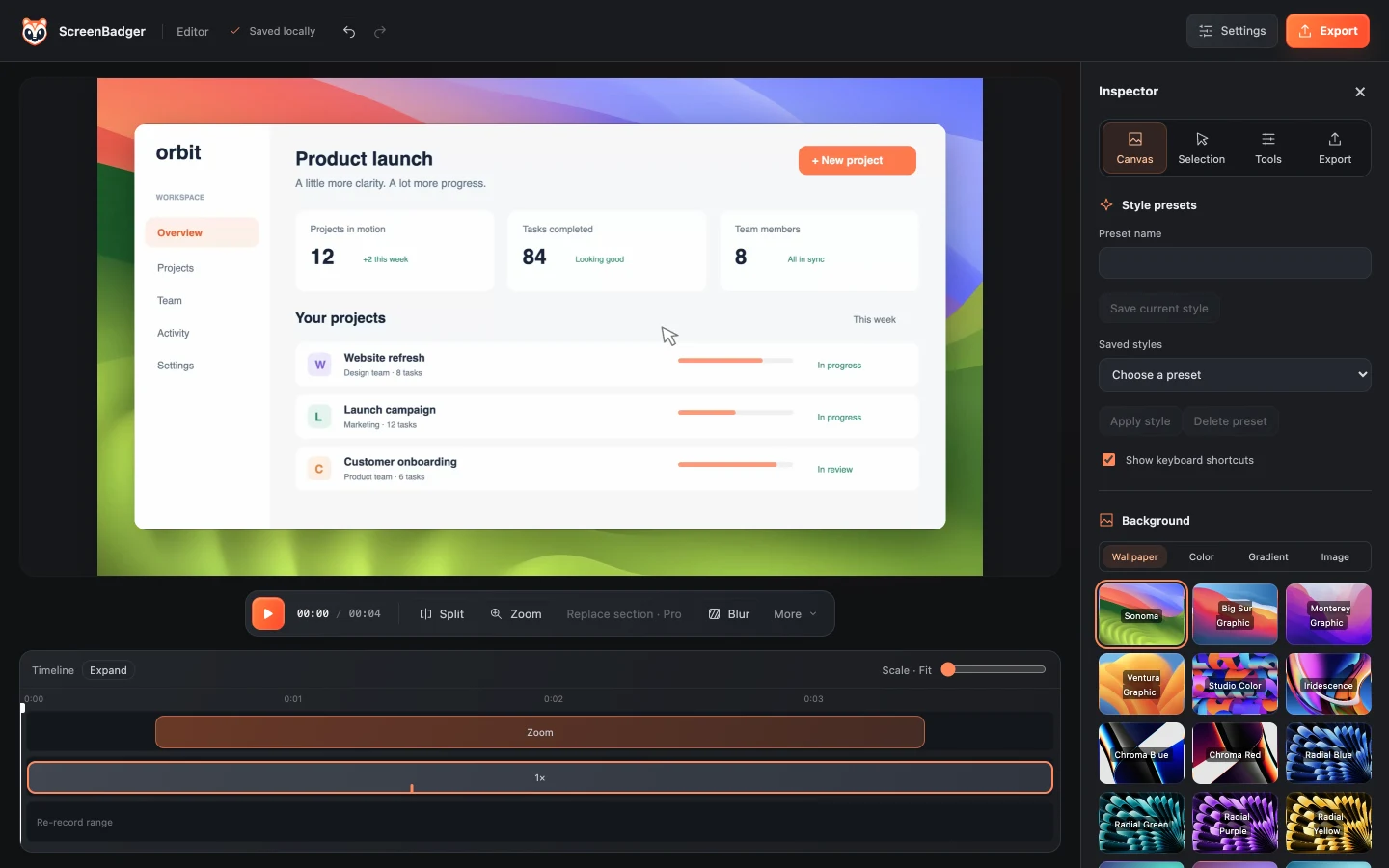
Choose Share to Cloud in the editor’s Export or in the screenshot studio. ScreenBadger renders the MP4 or image, uploads it with progress you can cancel, and hands you a link when it’s done.
- Videos and screenshots
- Upload progress and cancel
- Automatic retries on a flaky connection
Links and embeds
Share it your way.
Send a link, embed the video player on a page, or add a password for anything sensitive. Screenshot links let viewers download the full image. You can revoke a link or turn off embeds at any time.
- Share links and video embeds
- Optional password
- Revoke access whenever you need
Analytics
Know whether they watched.
See views, watch time, and how far people got, plus the referring site and device type. Your own views are left out of the numbers.
- Views and watch time
- Completion rate
- Referrers and devices
Feedback
Comments pinned to the moment.
Viewers can leave timestamped comments and reactions, so feedback points to the exact second it’s about. Screenshots get comments and reactions too. You can reply, moderate, and choose which uploads send you email notices.
- Timestamped comments and replies
- Emoji reactions
- Per-upload email notifications
Only what you choose
Your source recordings stay local.
Cloud stores only the finished MP4s and screenshots you publish. Your original recording and editable project stay in your browser, and uploads are never used for AI processing.
- 25 GB for videos and screenshots
- Only finished files are uploaded
- No AI processing of your uploads
FAQ
Questions about cloud sharing
How much does Cloud cost?
Cloud is a subscription you can pay monthly or yearly; current prices are on the pricing page. You can cancel anytime and keep access until the end of your billing period.
Does Cloud remove the watermark?
No. Cloud is for sharing and works with Free or Pro Lifetime. Videos exported on Free above 720p keep the watermark. Pro Lifetime is what removes it through 4K.
What gets uploaded?
Only the finished MP4s and screenshots you choose to publish. Your original recordings, editable projects, and any screenshot you don’t share stay in your browser.
What happens to my uploads if I cancel?
Your videos and screenshots stay available until your plan ends and are kept for 30 more days after that. Download them or reactivate before then, or they are deleted.
Do viewers need an account?
No. Anyone with the link, and the password if you set one, can watch or view. Viewers need a verified ScreenBadger account to comment or react, and their account name is shown.
Related
Also included
Loom alternative
Record longer tab videos for free, edit them locally, and share only when you choose.
Learn moreBug report screen recorder
Show exactly how to reproduce a bug with a short, clear tab recording.
Learn moreScreenshot tool
Capture a visible area, region, or full page, then annotate it and copy, download, or share it.
Learn moreVideo editor
Trim, split, speed up, caption, and style your recordings, then export MP4 or GIF.
Learn moreMake your next screen recording worth sharing.
Record, edit, and export in your browser. Free forever, no credit card required.