 ScreenBadger
Zooms from your clicks
Nearby clicks become one smooth shot, and the view eases back out when you scroll or navigate.
Automatic zoom
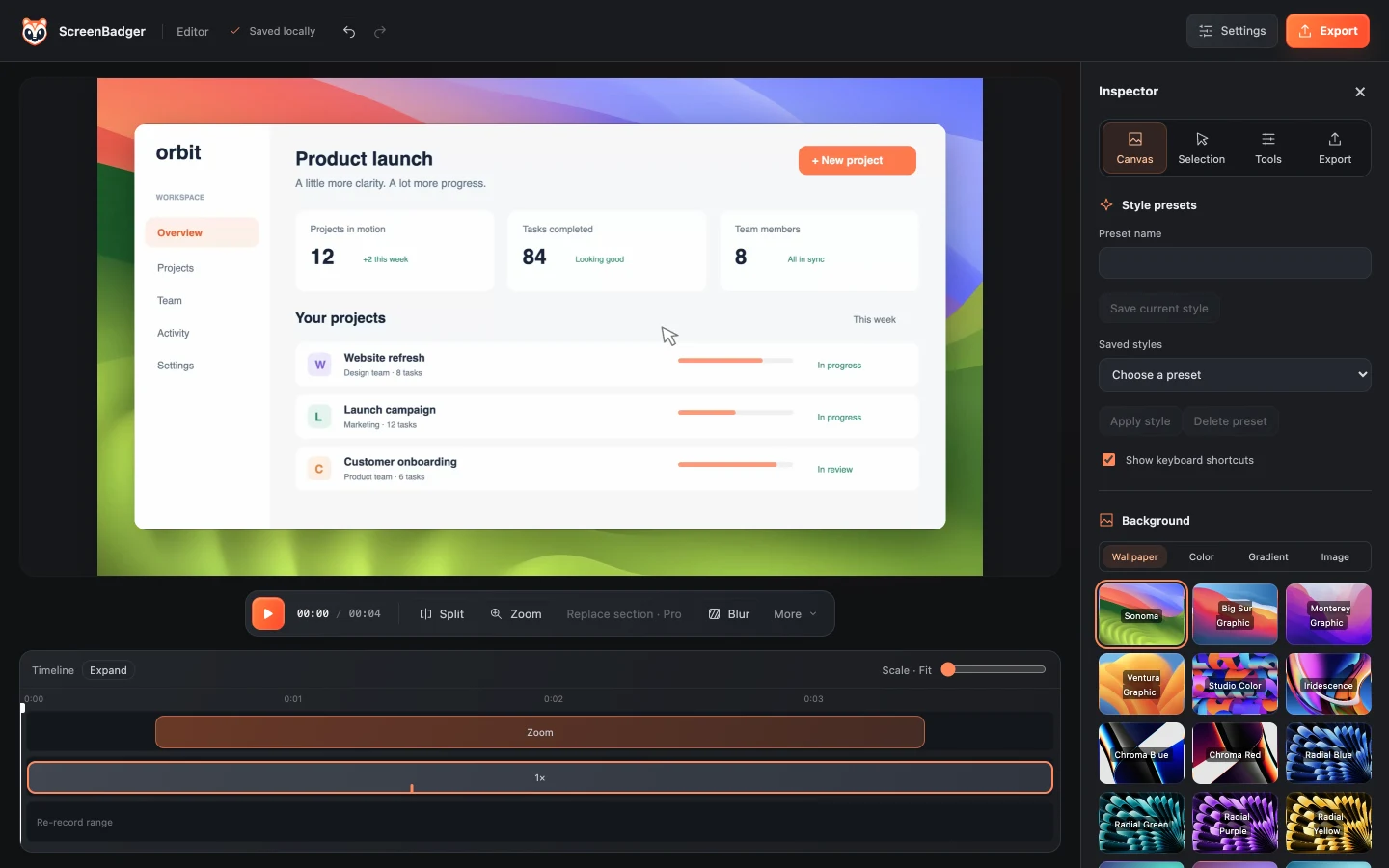
ScreenBadger plans camera moves from your clicks, scrolling, and the dialogs you open, so your recording zooms in where the action is. Every zoom is a block on the timeline you can change.
Free forever · No credit card · Works in Chrome, Edge, Brave, Arc, and Opera
The problem
On a large display, a click in one corner is easy to miss. Adding zooms by hand means keyframing every move in a video editor, which can take longer than the recording itself.
Why ScreenBadger
Nearby clicks become one smooth shot, and the view eases back out when you scroll or navigate.
When a click opens a dialog or menu, ScreenBadger can frame the result so viewers can read it.
Move, resize, or delete zooms, add your own, switch camera styles, or regenerate them while keeping your manual edits.
How it works
Record a tab and click through your workflow at a natural pace. ScreenBadger notes clicks and scrolling as you go.
The recording opens with zooms already on the timeline. Play it back to check the framing.
Drag or resize a zoom, pick Calm, Balanced, or Detail, switch to a glass lens, or add a manual zoom where you need one.
The preview and export use the same camera, so the MP4 matches what you saw.
FAQ
Yes. Automatic and manual zooms are included in Free.
No. Zooms are planned locally from your clicks, scrolling, and the page’s structure. Nothing is uploaded.
Yes. Delete it from the timeline. Regenerating automatic zooms later respects the ones you deleted.
It works best on regular web pages. In canvas-based apps and cross-origin frames it has less information, so it falls back to simpler click framing.
Related
Clicks become smooth, editable camera moves you can adjust on the timeline.
Learn moreAuto zoom and polished demos in the browser, on any computer that runs Chrome.
Learn moreTurn a walkthrough of your web app into a polished product demo.
Learn moreTrim, split, speed up, caption, and style your recordings, then export MP4 or GIF.
Learn moreRecord, edit, and export in your browser. Free forever, no credit card required.